> For the complete documentation index, see [llms.txt](https://bimil.gitbook.io/docs/llms.txt). Markdown versions of documentation pages are available by appending `.md` to page URLs; this page is available as [Markdown](https://bimil.gitbook.io/docs/add-ins/archi-film.md).
# ArchiFilm Studio - Preview
An all-in-one AI rendering studio that imports Revit & SketchUp models and enables generating, editing, and upscaling architectural images in a single seamless workflow.
{% hint style="info" %}
Launch Date: December 8, 2025 @ 04:00 AM (UTC) / 13:00 PM (KST)
\*\*\*\*\*
During the free preview period after launch, you can receive 100 free credits.\
However, if credits are consumed faster than expected, the preview period may end early, and the 100-credit offer may also be discontinued.
\*\*\*\*\*
{% endhint %}
ArchiFilm Studio is an **AI-powered rendering platform** built for architects, designers, and students who need high-quality visual results without the complexity of traditional rendering tools.\
Import models directly from **Revit and SketchUp**, describe the desired visual style using natural-language prompts, and handle image generation, editing, and smart upscaling **all in one place**.
No exporting to external software, no heavy rendering setup, no fragmented workflow.\
**Describe. Generate. Edit. Upscale. Organize.**\
Everything happens inside ArchiFilm Studio.
### **Key Features**
#### **1. Direct Revit & SketchUp Import**
* Preserves camera angles, perspective, and crop settings
* Instantly sends the selected view to ArchiFilm Studio Web
#### **2. Prompt-Based AI Image Generation**
* Control atmosphere, materials, lighting, and style through text descriptions
* Generate up to **three results simultaneously**
#### **3. AI Edit**
* Modify specific parts of an image with simple natural-language commands\
(e.g., *“Change to night view,” “Remove cars,” “Add more greenery”*)
* Run up to **three edit jobs in parallel**
#### **4. Smart Upscale**
* Enhances resolution, texture, sharpness, and lighting balance
* Ideal for presentations, competitions, and portfolio-level output
#### **5. History Management**
* Manage generation / edit / upscale history in a clean visual timeline
#### **6. Prompt Booster**
* Automatically optimizes prompts for better image quality — great for users new to AI prompting.
#### **7. Multilingual Prompting**
* Understands major languages including Korean and English without manual translation.
#### **8. Multi-Task Parallel Processing**
* Generate, edit, and upscale simultaneously with no waiting between tasks.
***
### **Notes**
* Currently available as **Preview**, with ongoing improvements and feature updates
* Some unexpected variations may occur depending on model complexity or prompt detail
* Clear model structure and optimized camera views produce more stable results
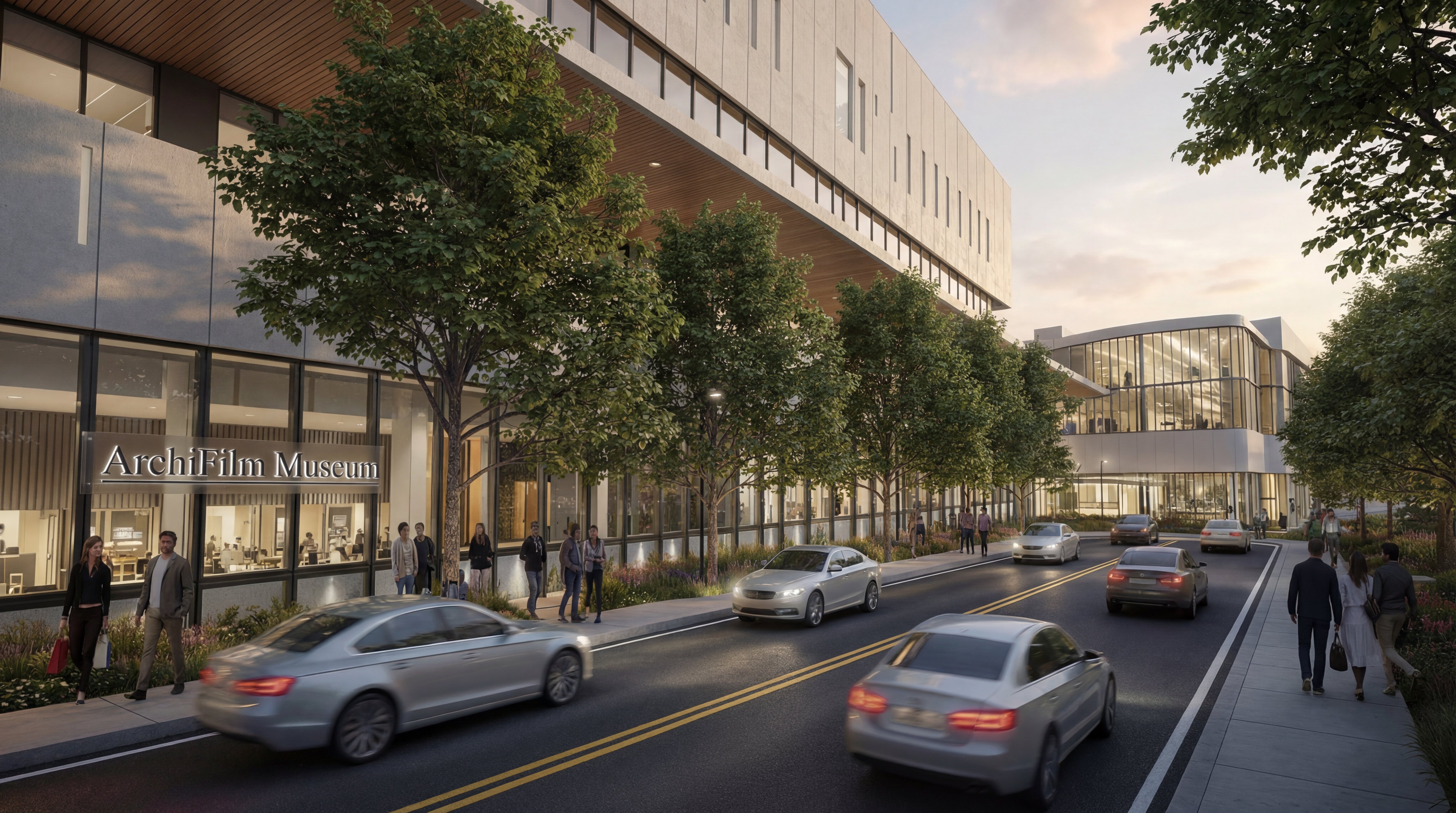
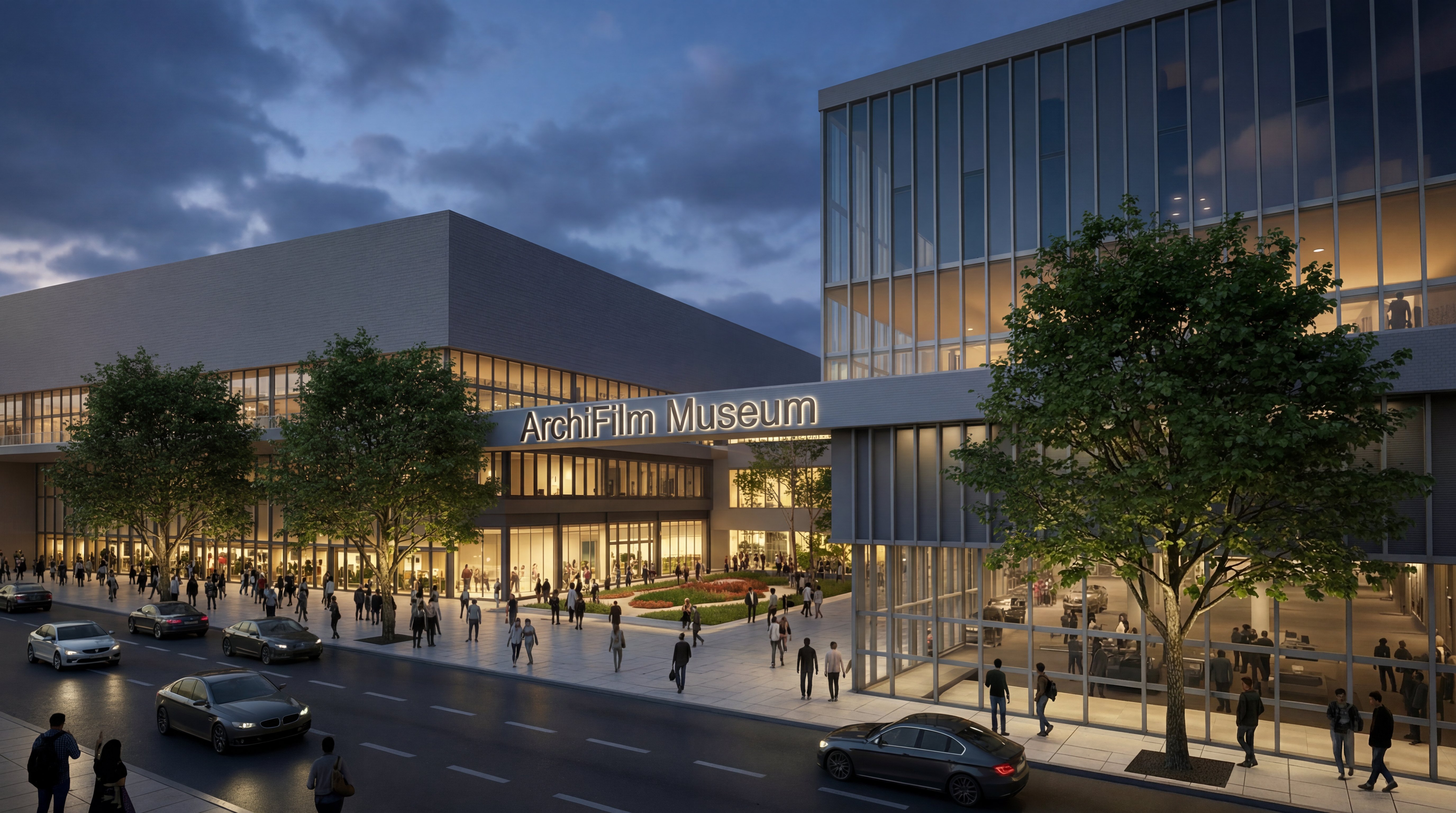
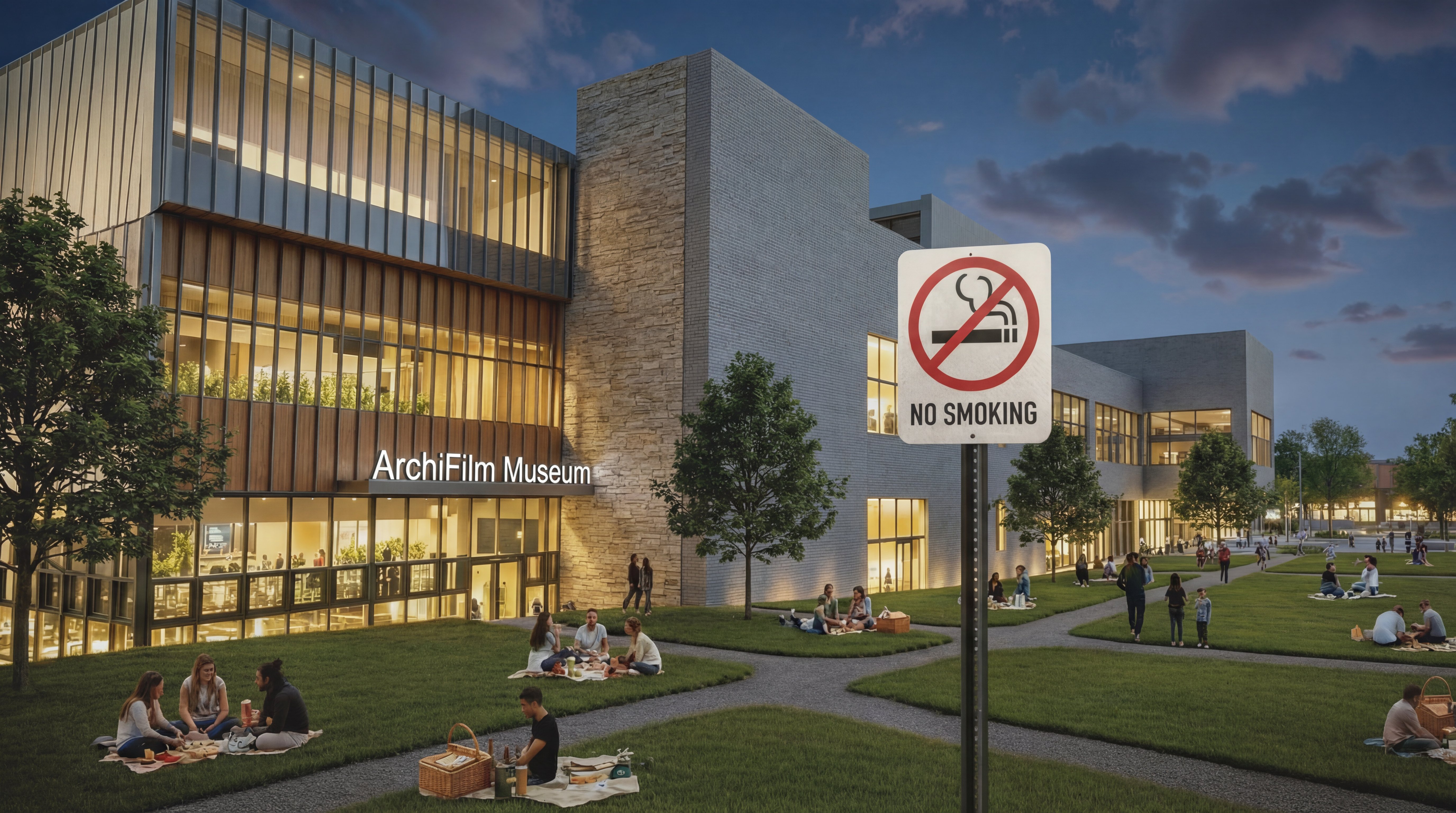
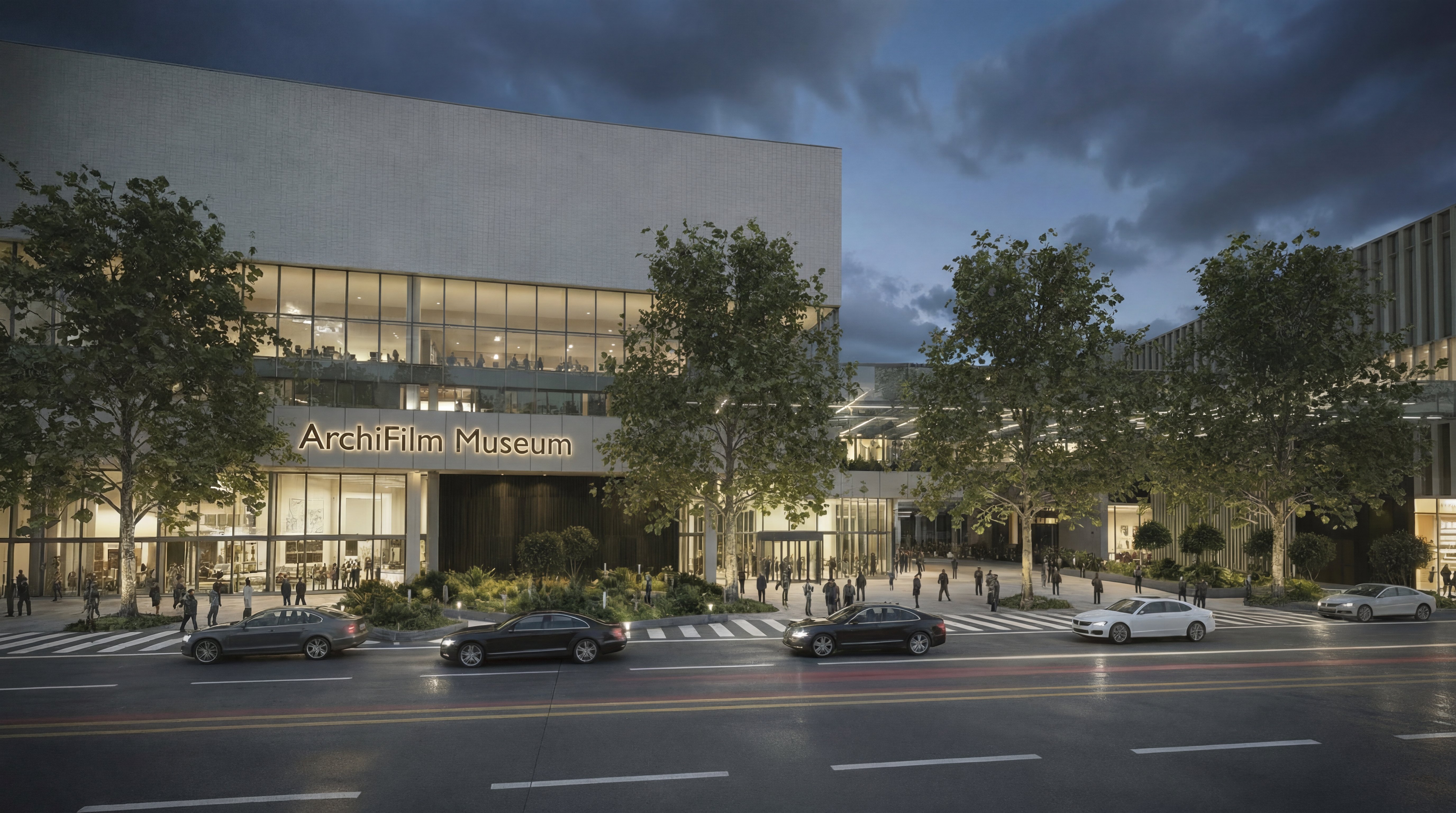
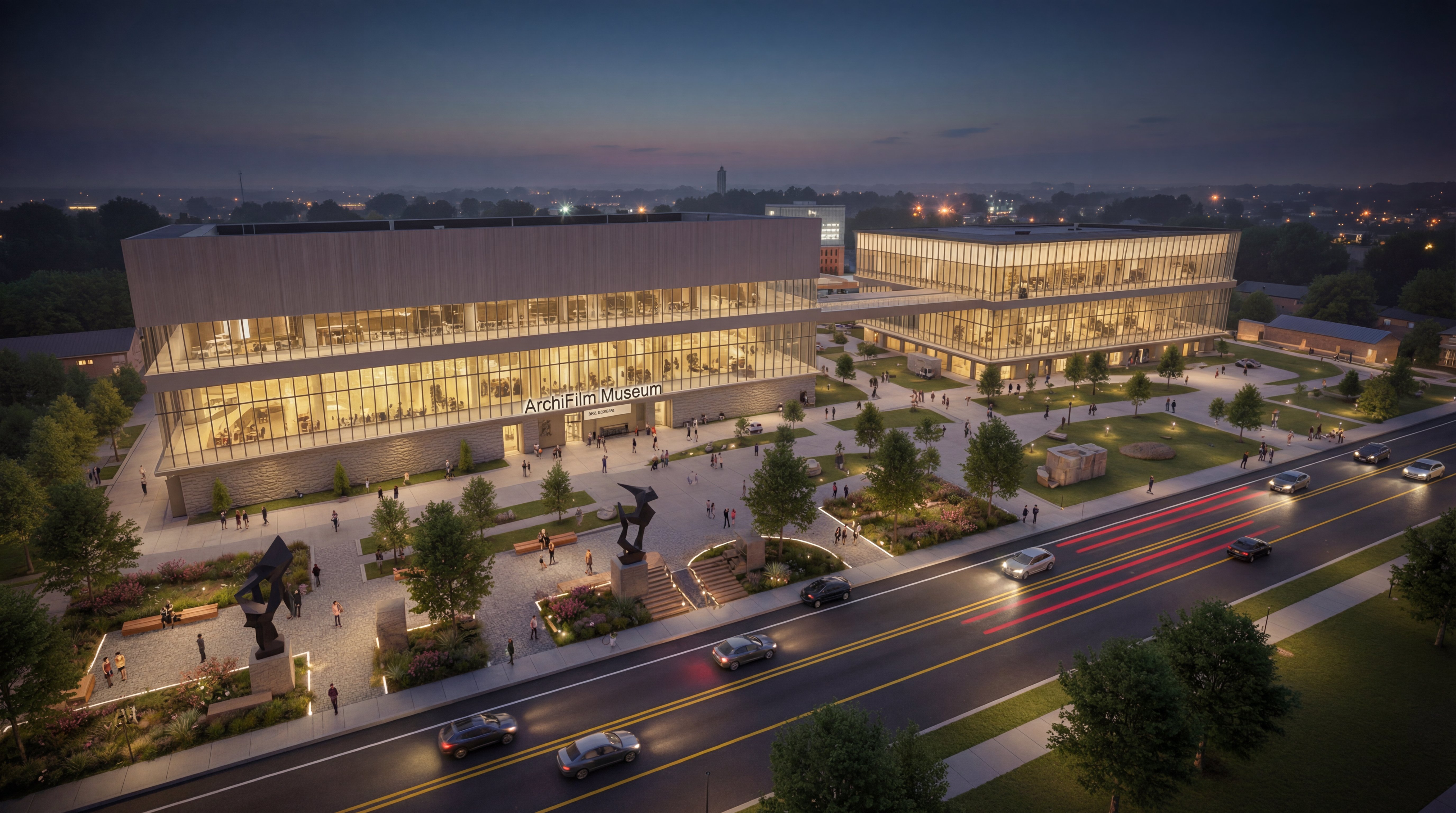
## Sample Images